
 阅读时间:7 分钟
  浏览量:5477次


影音设备管理软件有以下几个优点:设备统一管理、实时监控、提高工作效率、降低维护成本。设备统一管理可以使得所有影音设备都在一个平台上进行集中管理,避免了设备分散带来的不便。例如,通过影音设备管理软件,可以在同一个界面上查看所有设备的状态和使用情况,进行远程控制和维护,不必到现场操作,从而提高管理效率和降低出错率。
一、设备统一管理
影音设备管理软件可以将所有的影音设备集中在一个平台上进行管理。通过这种方式,管理员可以在同一个界面上查看所有设备的状态和使用情况,包括设备的型号、位置、当前工作状态等信息。这样可以大大减少设备管理的复杂性,避免了因为设备分散管理而导致的各种问题。尤其在大型场馆或企业中,影音设备的数量众多,统一管理可以提高管理效率。
二、实时监控
通过影音设备管理软件,可以对所有设备进行实时监控。这包括设备的工作状态、使用情况、故障信息等。实时监控能够及时发现并解决问题,避免因设备故障而影响使用效果。例如,当某台设备出现故障时,系统会立即发出警报,提醒管理员进行处理。这种实时监控功能可以大大提高设备的可靠性和稳定性。
三、提高工作效率
影音设备管理软件可以显著提高工作效率。通过集中管理和实时监控,管理员可以更快地处理设备问题,减少设备的故障率和维修时间。例如,管理员可以通过软件远程控制设备进行设置和调整,无需到现场进行操作,从而节省时间和人力资源。提高工作效率不仅可以降低运营成本,还可以提升服务质量。
四、降低维护成本
使用影音设备管理软件可以有效降低维护成本。首先,通过实时监控,可以及时发现并解决设备问题,减少设备的故障率和维修频率。其次,通过集中管理,可以更好地安排设备的使用和维护计划,避免设备过度使用或长期闲置。此外,软件还可以提供详细的设备使用和维护记录,为设备的保养和更新提供参考,从而延长设备的使用寿命,降低维护成本。
五、数据分析与报告
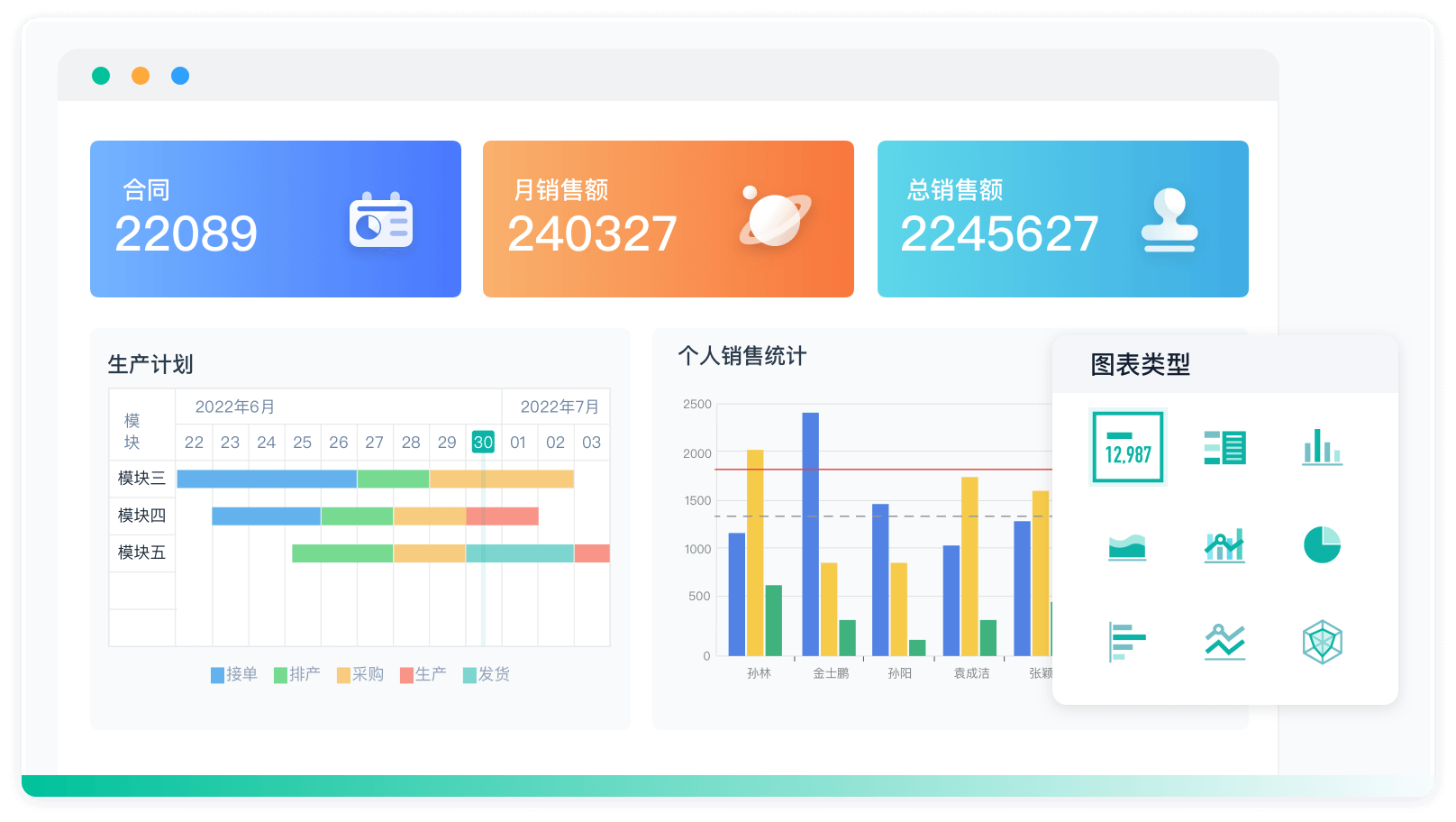
影音设备管理软件通常还具有数据分析和报告功能。通过对设备使用数据的分析,可以发现设备使用中的规律和问题,优化设备的使用和维护策略。例如,可以根据设备的使用频率和故障率,调整设备的使用计划,避免设备过度使用或长期闲置。此外,软件还可以生成各种报表,帮助管理员了解设备的使用情况和维护状况,为决策提供数据支持。
六、远程控制与操作
影音设备管理软件通常具有远程控制与操作功能。管理员可以通过软件对设备进行远程设置和调整,无需到现场进行操作。这不仅可以提高工作效率,还可以在紧急情况下快速响应和处理问题。例如,当某个设备需要调整设置时,管理员可以通过软件远程进行调整,避免了现场操作的复杂性和不便。
七、集成与扩展性
现代影音设备管理软件通常具有良好的集成与扩展性。它们可以与其他管理系统或设备进行集成,实现更全面的管理功能。例如,可以与智能家居系统集成,实现对家庭影音设备的集中控制;可以与企业的IT管理系统集成,实现对企业所有设备的统一管理。此外,软件还具有良好的扩展性,可以根据需要增加新的功能或设备,满足不同用户的需求。
八、安全与权限管理
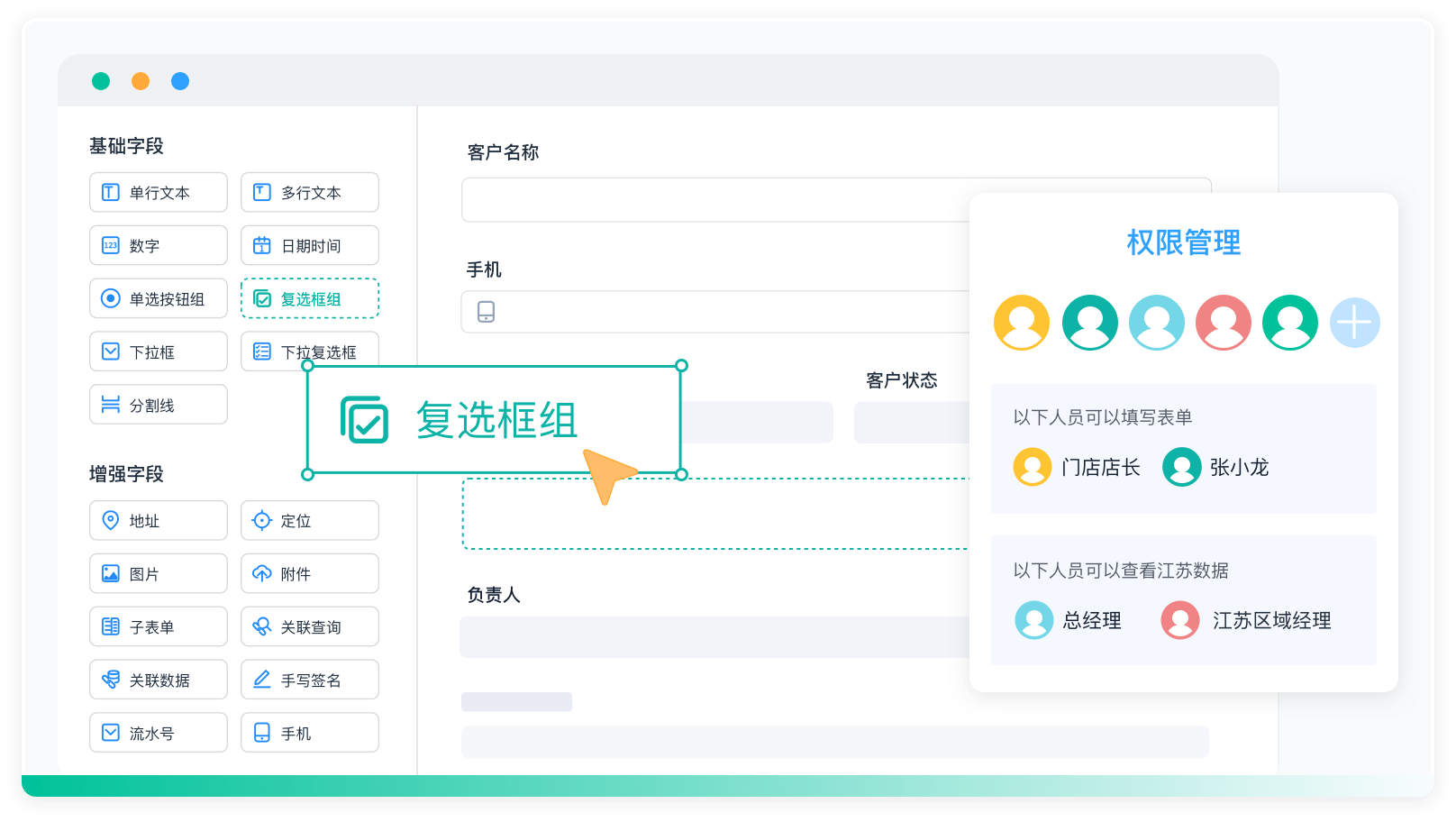
影音设备管理软件通常还具有安全与权限管理功能。通过设置不同的权限级别,可以确保只有授权人员才能访问和操作设备,保障设备的安全。例如,可以为不同的管理员设置不同的权限级别,限制其操作范围和功能,避免因误操作或恶意操作而导致设备问题。此外,软件还可以记录所有操作日志,方便追溯和审计。
九、用户友好界面
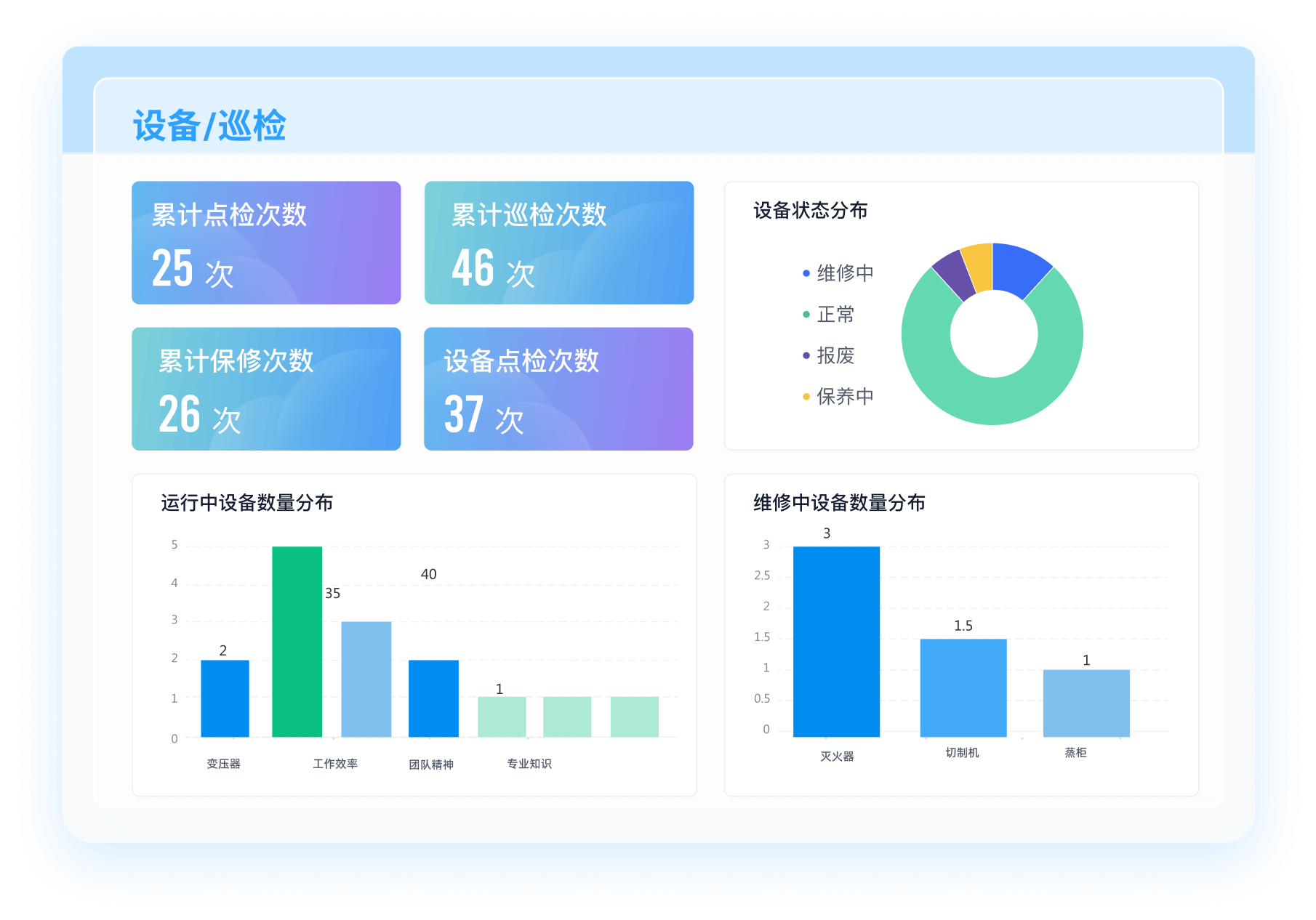
影音设备管理软件通常具有用户友好的界面,操作简便、易于上手。通过直观的图形界面和简明的操作流程,管理员可以轻松完成设备的管理和操作,提高工作效率。例如,软件通常提供设备状态的图形化显示,使管理员可以直观地了解设备的工作状况;提供简明的操作菜单和帮助文档,帮助管理员快速上手使用软件。
十、云服务与移动应用
现代影音设备管理软件通常还支持云服务与移动应用。通过云服务,用户可以在任何地方、任何时间访问和管理设备,不受地域和时间的限制。例如,可以通过手机应用程序远程查看设备状态和进行操作,方便快捷。此外,云服务还可以提供数据备份和恢复功能,保障数据的安全与完整。
影音设备管理软件不仅提高了设备的管理效率和使用效果,还降低了维护成本和操作复杂性。对于任何需要管理大量影音设备的场所或企业来说,都是一个不可或缺的工具。
相关问答FAQs:
FAQs about Audio-Visual Equipment Management Software
1. What is audio-visual equipment management software and what are its key features?
Audio-visual equipment management software is a specialized tool designed to help organizations efficiently manage, track, and maintain their AV assets. This type of software offers several key features that enhance the usability and effectiveness of AV equipment management.
Firstly, asset tracking is a crucial component, allowing users to monitor the location, status, and usage of each piece of equipment. This includes features like barcode scanning or RFID integration, which streamline the process of checking in and out equipment and keeping accurate records.
Another important feature is maintenance scheduling. The software often includes tools for setting up reminders for routine maintenance, repairs, or inspections, helping to prevent equipment downtime and extend the lifespan of valuable assets.
Additionally, many systems offer inventory management capabilities. This involves tracking the quantity and condition of equipment, managing spare parts, and ordering new supplies when necessary. This ensures that an organization has the right equipment in the right condition to meet its needs.
Integration with other software systems is also common. For example, the software might integrate with financial management systems to track depreciation or with project management tools to allocate resources effectively.
Advanced solutions might provide analytics and reporting features, enabling organizations to generate detailed reports on equipment usage, maintenance history, and overall performance. This data can be invaluable for making informed decisions and optimizing equipment management strategies.
2. How can audio-visual equipment management software improve organizational efficiency?
Implementing audio-visual equipment management software can significantly enhance organizational efficiency in several ways.
One of the primary benefits is streamlined workflow management. By automating routine tasks such as equipment check-outs, maintenance scheduling, and inventory tracking, the software reduces the administrative burden on staff. This allows employees to focus on more strategic activities rather than spending time on manual record-keeping.
Additionally, the software enhances resource allocation and planning. With real-time visibility into the availability and condition of AV equipment, organizations can better coordinate the use of resources, avoid conflicts or overbooking, and ensure that the right equipment is available for important events or projects.
Cost management is another area where the software makes a substantial impact. By providing detailed insights into equipment usage and maintenance costs, organizations can identify areas where expenses can be reduced, such as by extending the life of existing equipment through proactive maintenance rather than incurring the cost of premature replacements.
Improved decision-making is another benefit. The data and analytics provided by the software offer a clear picture of how AV assets are utilized, which can inform strategic decisions about future investments or upgrades. This ensures that any new purchases are aligned with actual needs and usage patterns.
Moreover, effective equipment management can enhance the overall user experience. Ensuring that AV equipment is well-maintained and readily available helps avoid technical issues during important meetings, presentations, or events, thereby improving the quality of these interactions.
3. What are the challenges of using audio-visual equipment management software and how can they be addressed?
While audio-visual equipment management software offers numerous advantages, there are also challenges that organizations might face when implementing and using these systems. Understanding these challenges and addressing them effectively can ensure a smoother transition and better outcomes.
One challenge is the initial setup and configuration of the software. Implementing a new system often requires a significant amount of time and effort, including data migration from existing systems, customization to fit specific organizational needs, and training for staff. To address this, it is essential to work closely with the software provider to ensure a clear implementation plan, and invest in comprehensive training programs to help users get up to speed quickly.
Another potential issue is integration with existing systems. Organizations often use multiple software applications for different functions, such as financial management, project management, or customer relationship management. Ensuring that the audio-visual equipment management software integrates seamlessly with these other systems can be challenging. Choosing software that offers robust integration capabilities or working with IT professionals to develop custom integrations can help mitigate this problem.
User adoption can also be a challenge. If staff members are resistant to change or find the new system difficult to use, it can hinder the effectiveness of the software. To overcome this, involve key stakeholders in the selection and implementation process, and provide ongoing support and resources to help users become comfortable with the new system.
Data accuracy and reliability are crucial for effective equipment management. Inaccurate data can lead to poor decision-making and inefficient use of resources. Regular audits and reviews of the data, coupled with implementing processes for accurate data entry and maintenance, can help ensure the information remains reliable.
Finally, ongoing maintenance and support are essential for keeping the software running smoothly. Regular updates and troubleshooting can address any issues that arise and ensure that the software continues to meet the organization’s evolving needs. Establishing a good relationship with the software provider for ongoing support and updates can help address this challenge effectively.
By anticipating these challenges and implementing strategies to address them, organizations can maximize the benefits of audio-visual equipment management software and enhance their overall operational efficiency.




























































 《零代码开发知识图谱》
 《零代码
新动能》案例集
《零代码
新动能》案例集
 《企业零代码系统搭建指南》